
ZeroTwo can search the web for current information and answer with links to the pages it used. It can do this on its own when a question needs fresh facts, and you can also ask for a search on purpose.
When ZeroTwo searches on its own
Web search is one of ZeroTwo's core tools. Its instructions say to use it for recent events and news, current data such as prices and scores, local businesses and places, niche details, and checking a claim. They say not to use it for general knowledge, definitions, historical facts, or writing that needs no outside facts.
Ask for a search
Turn on Web Search from the message box
- In the message box of the web or desktop app, select the + button. Its tooltip reads Add files & more.
- In the Add section, choose Web Search.
- Type your question and send it.
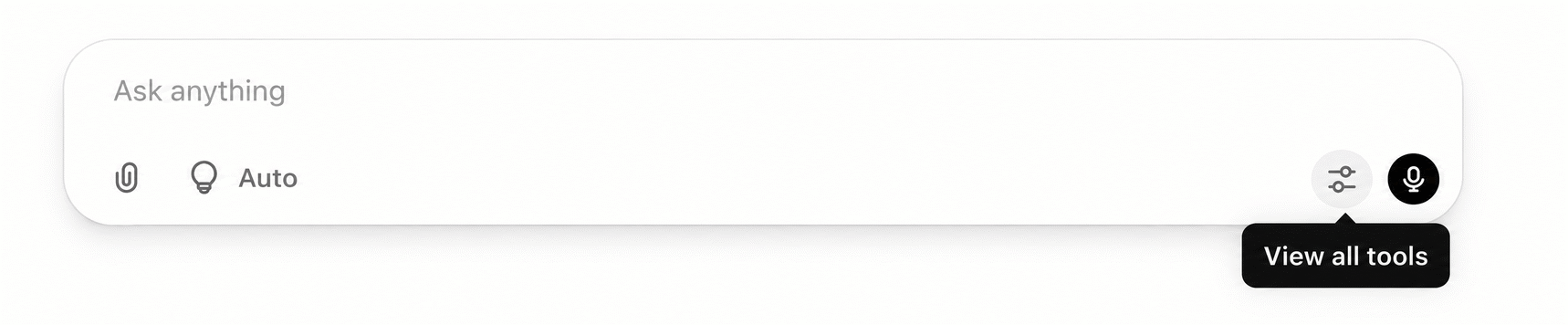
While the tool is on, a highlighted Search label appears at the start of your message, and sending the message makes ZeroTwo run a web search for it. To turn it off, choose Web Search in the menu again, or delete the label from the message box.
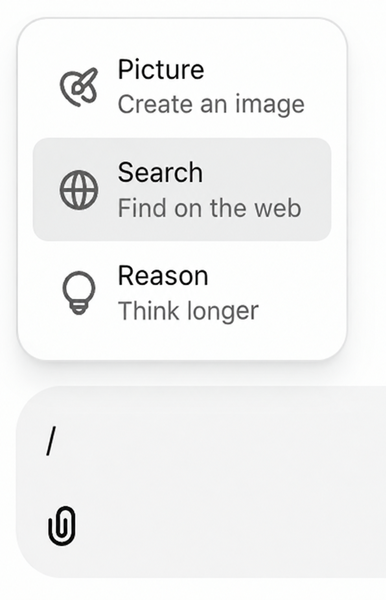
Web Search is listed in Chat. The Work and Code menus do not have it. When a Perplexity Sonar model is selected, tools such as Web Search are not available. For longer, multi-step investigations, see How does deep research work in ZeroTwo?
Search again for a reply you already have
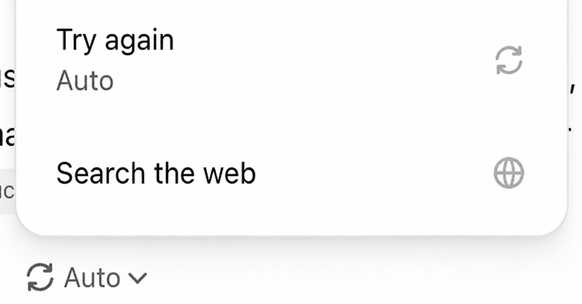
Under a Chat reply, select the Retry menu button and choose Search the web. ZeroTwo answers that message again with a web search. If you do not see the button, check that Switch model and rerun is ticked under Settings > Appearance > Action buttons. Replies written by the Work or Code agent do not have this button.
What you see
- While it works, ZeroTwo shows a line such as Searching the web or a short description of what it is looking up.
- Small citation badges with the site's name follow the sentences they support. Hover over a badge to see the source, and select it to open the page in a new tab.
- A Sources button beside the message actions opens the list of pages used.
- For some searches, ZeroTwo shows a short list of articles or a strip of images from the results.
Choose a search engine
- Open Settings, then Personalization, and stay on the Companion tab.
- Open Default search engine and pick Exa, Firecrawl, Perplexity or Google.
The setting chooses which provider powers web search when you turn it on from the message box. On the Free plan the menu is locked and its tooltip says Upgrade to Plus to choose your search engine; Free searches use Exa.
What searching costs
Searches use credits. Each search is a priced tool call that is charged individually, the same way other paid tools are, and Help > Model Tiers lists the credit cost per web search. For how credits work, see How do credits work in ZeroTwo?
On iPhone, iPad and Android
The apps for iPhone, iPad and Android list Web Search in the + menu of a regular chat as well.