
Export data saves a copy of your chats to your phone. On Android the copy is a JSON file named zerotwo-export.json in your Downloads folder. ZeroTwo fetches your data and saves the file straight to your phone, so there is no email or download link to wait for.
Export your data
- Open the sidebar and tap your name at the bottom.
- Choose Settings, then Data controls.
- On the Export data row, tap Export. The button reads "Exporting..." while ZeroTwo gathers your data.
- When it finishes, a short message says "Saved to Downloads". Open the Downloads folder in your Files app and look for
zerotwo-export.json.
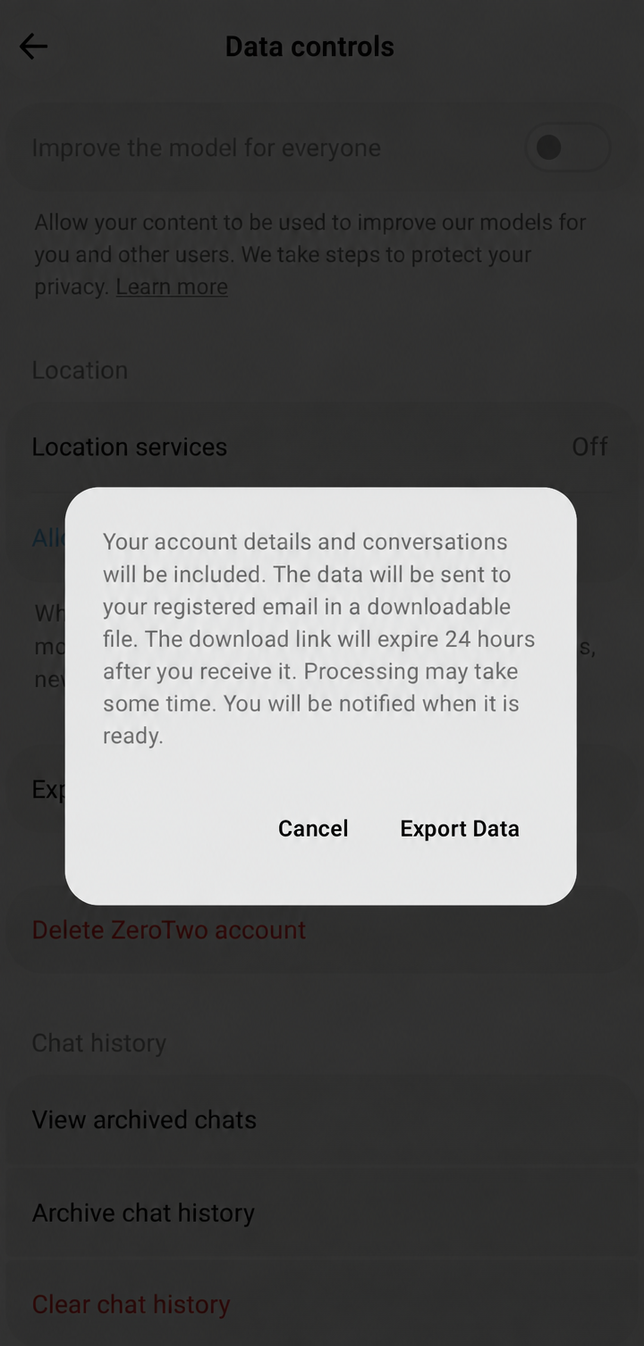
The note under the row reads "Download a copy of your data as JSON."
What the file contains
The export is a record of your conversations:
- The date of the export and a version number.
- Your account details, such as your email address and name.
- Every chat, with its title, its creation and update times and its metadata.
- Every message in each chat, with its role, text, time, the model and provider that produced it, usage figures and its attachments.
- Totals for the number of chats and messages.
It is a plain text file, so any app that opens JSON or text can read it.
If the export does not finish
- "Failed to save export" means the file could not be written to Downloads. Tap Export to try again.
- If ZeroTwo cannot finish collecting your data, Data controls shows "Export is taking too long. Please try again."
- Any other problem appears as an error message at the bottom of the Data controls screen. Tap Export again.
Next steps
Exporting does not delete anything. To remove chats afterwards, see How do I delete a chat in the ZeroTwo Android app? or How do I delete my ZeroTwo account in the Android app?