
ZeroTwo for Android is the native ZeroTwo app for Android. It uses the same account as the web app, so your chats and memory are the same in both places. This page answers the questions people ask most.
What do I need to run it?
Android 12 or newer (API level 31). Install ZeroTwo from Google Play. The package name is ai.zerotwo.android.
How do I sign in?
Choose Continue with Google, Continue with Apple or Continue with Microsoft, or enter your email address to get a magic link. Continue with phone sends a 6-digit code: type it on the Enter verification code screen, or choose Resend code after the short wait. If you use an email link, your account is created automatically the first time you click it. For fixes to common sign-in problems, see Why can't I log in to ZeroTwo?
Where is everything?
Open the navigation drawer to reach Studio, Library, Schedules, Sites and Customize, along with your projects and chats. Open Settings for your profile, Usage & Billing and Subscription, appearance, Personalization, Notifications, Plugins, Parental controls, Data controls, Storage and Security.
What can I do with a response?
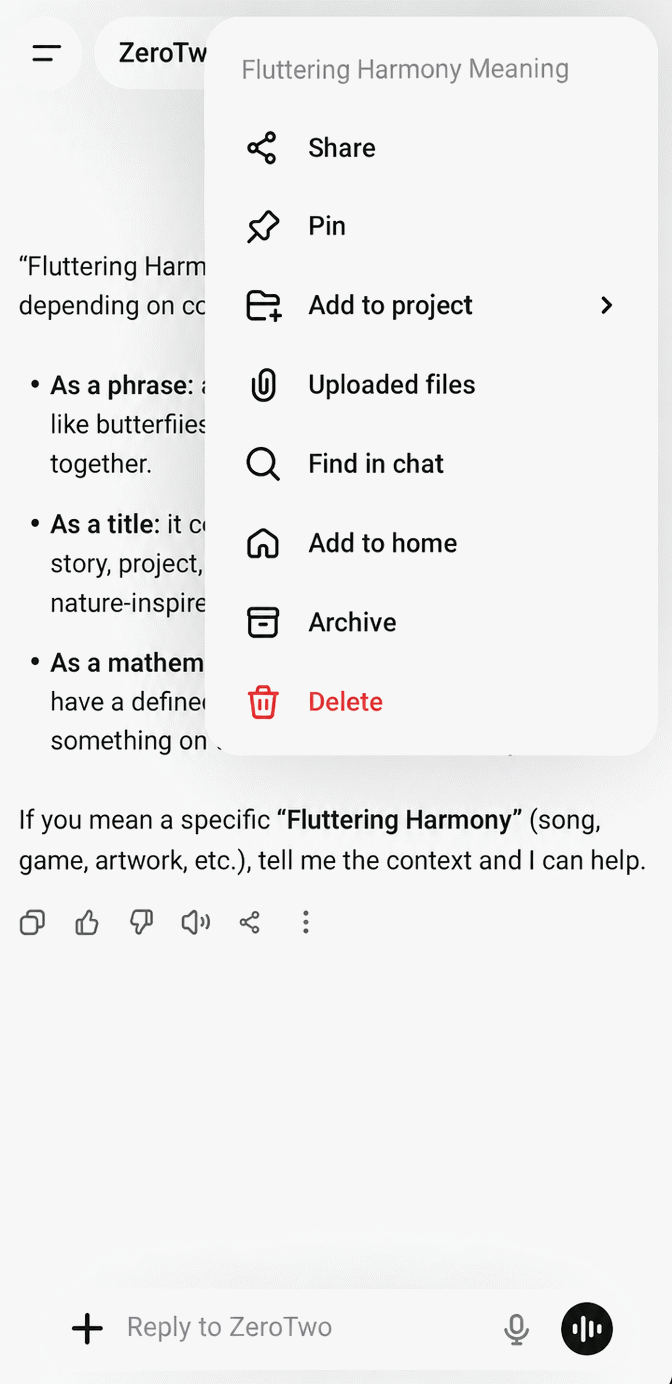
Under each ZeroTwo reply are small buttons: Thumbs up, Thumbs down, Switch model & rerun, Share, Copy, Branch and Read aloud. Delete is available too but hidden by default. Open Settings > Message icon visibility to choose which ones show. Replies from agent runs such as Work do not show Share, Switch model & rerun, Read aloud or Delete.
Press and hold one of your own messages to open a menu with Copy, Edit, Branch in new chat and Delete.
How do I export my data?
- Open Settings > Data controls.
- Next to Export data, tap Export.
- When it finishes, the app shows Saved to Downloads. The export is a copy of your data as a JSON file.
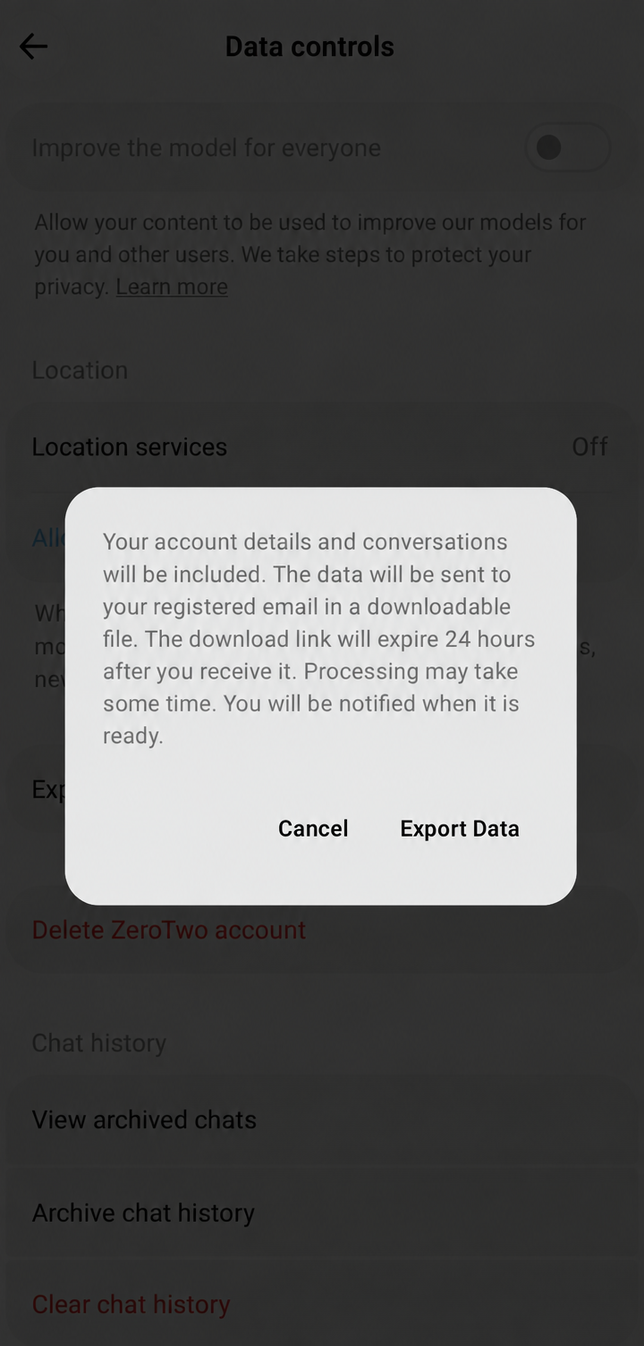
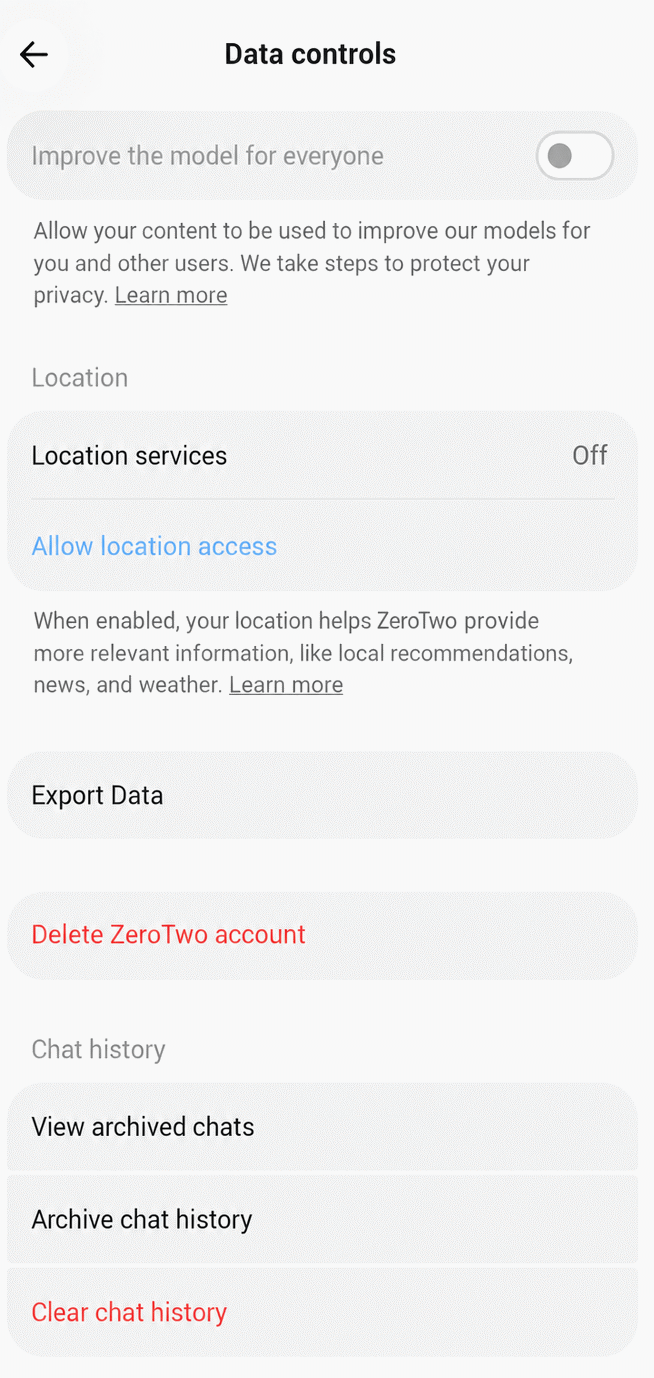
The same screen has Archived chats, Delete all chats, Clear all data and Shared Links. Delete all chats removes only your conversations. Clear all data also removes assistants, projects, files, schedules and integrations.
How do I delete my account?
- Open Settings > Data controls and tap Delete account. This opens the Account screen.
- Tap Delete Account.
- The dialog explains that this permanently deletes your account, your chats and your files, and cancels your subscription, and that it cannot be undone. Type DELETE to confirm, then tap Delete.
To sign out without deleting anything, choose Log out at the bottom of Settings, or Sign Out on the Account screen.
How do I send feedback or report a problem?
Open Settings and choose Send feedback or Report bug.