
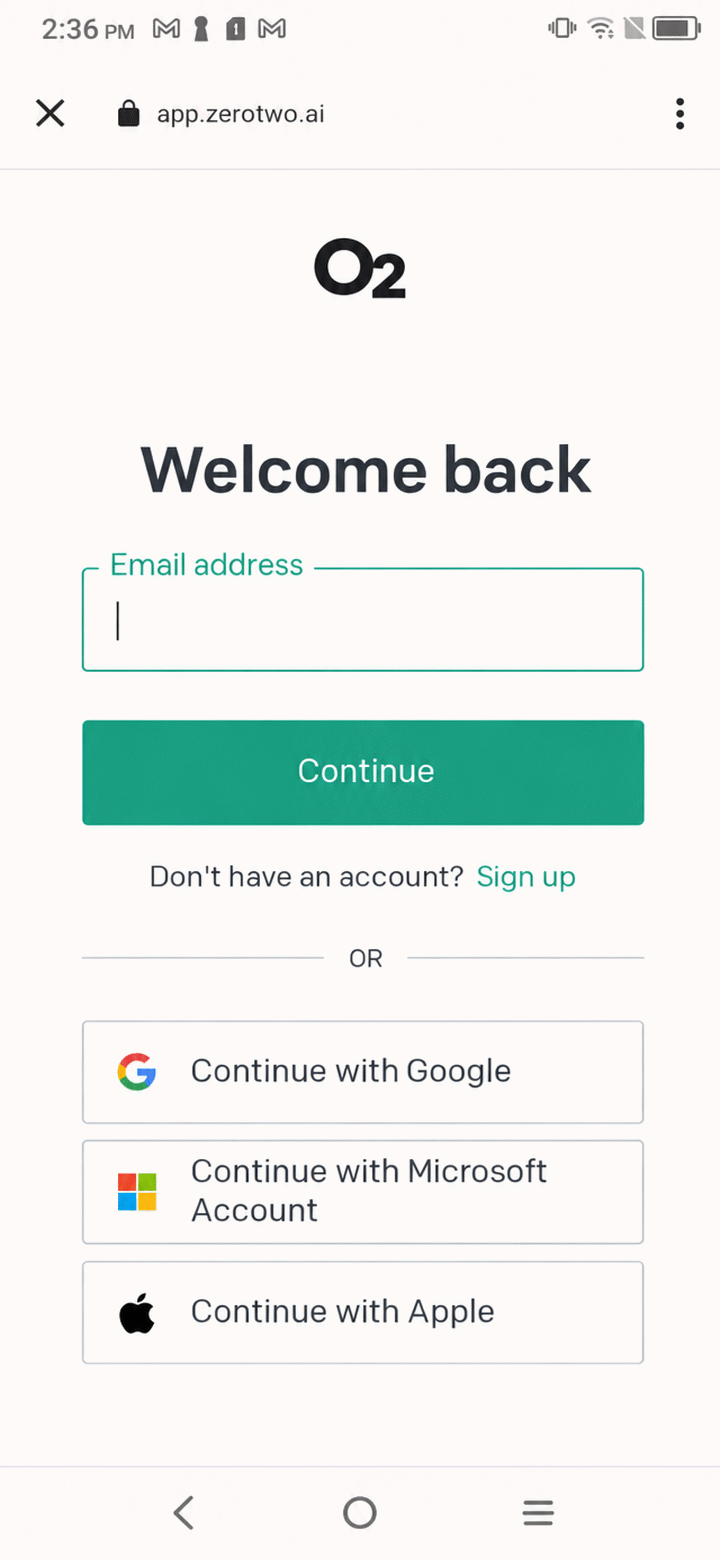
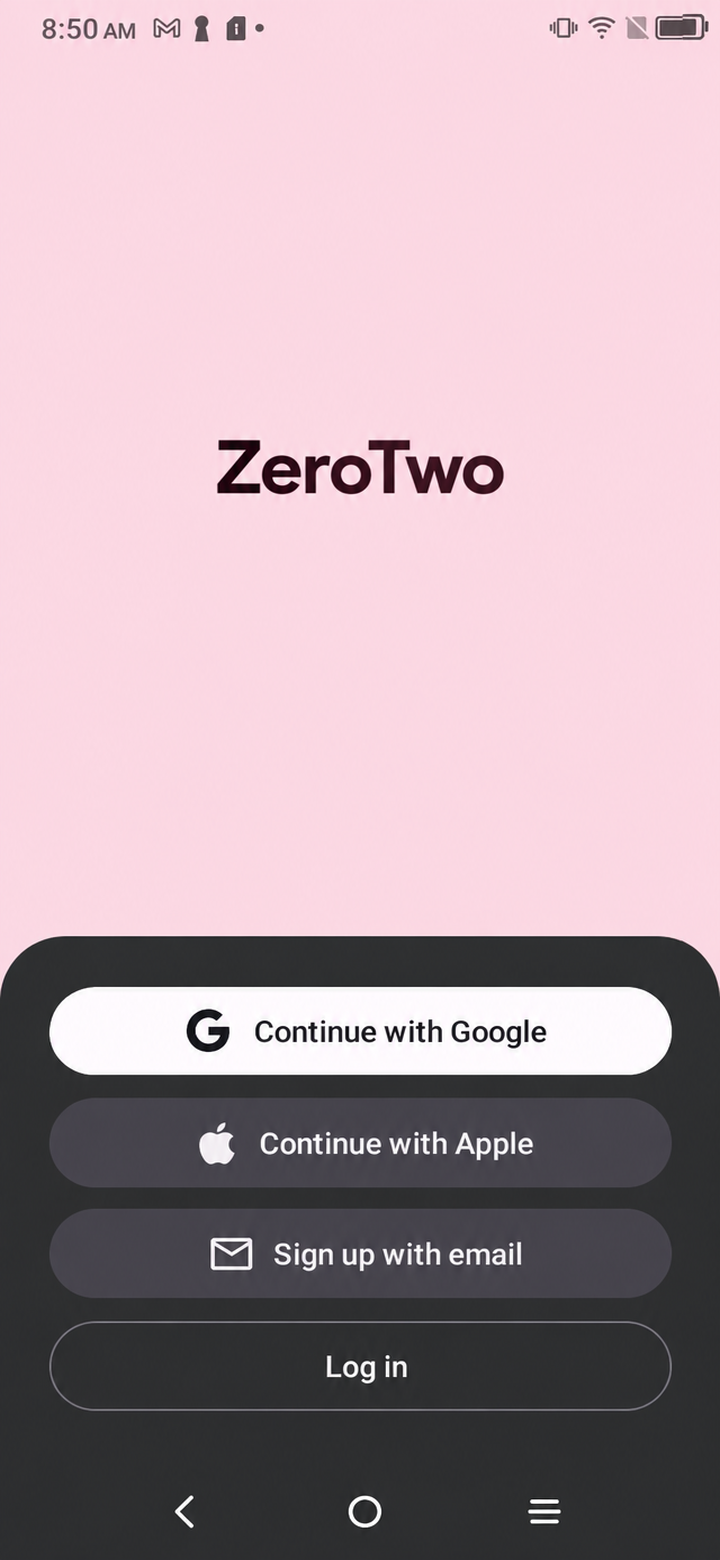
On the ZeroTwo sign-in screen, tap Continue with Microsoft. A browser tab opens with Microsoft's sign-in page, and when you finish you land back in ZeroTwo, signed in.
Sign in with Microsoft
- Open ZeroTwo. If you are not signed in, the sign-in screen lists your options.
- Tap Continue with Microsoft.
- In the browser tab that opens, sign in with your Microsoft account and approve the request.
- The tab closes and ZeroTwo comes back to the front. If you turned on two-factor authentication, ZeroTwo then shows "Two-factor authentication required" and asks for the 6-digit code from your authenticator app before it lets you in.
If it does not work
- The tab closed before you finished. Go back to ZeroTwo and tap Continue with Microsoft again. The screen is ready for a new attempt straight away.
- "We couldn't finish signing you in. Please try again." ZeroTwo came back from the browser but could not complete the sign-in. Try once more.
- "Failed to connect with Microsoft." The message can end with a reason from Microsoft or the sign-in service. Read the reason and try again, or choose another option.
- No browser tab opens. Apple and Microsoft sign-in open in a browser tab, so the phone needs a web browser installed. Do I need a specific browser to sign in to ZeroTwo on Android? explains more.
Other ways to sign in
The same screen offers Continue with Google, Continue with Apple and Continue with phone, which sends a 6-digit code by text message. You can also type your email address and tap Continue to receive a magic link; the "Check your email" screen says the link will expire in 1 hour. Below the buttons the screen links to the Terms of Service and Privacy Policy.