
In the web and desktop apps, ZeroTwo can show its menus, buttons, and messages in one of 16 languages. The Language setting is for the app interface: it is described as "Language for the app UI". To get the assistant's replies in a particular language, say which language you want in your message.
Change the language
- Select your name at the bottom of the sidebar, then choose Settings.
- Stay on the General tab and find Language, described as "Language for the app UI".
- Open the menu and choose a language. The interface switches right away.
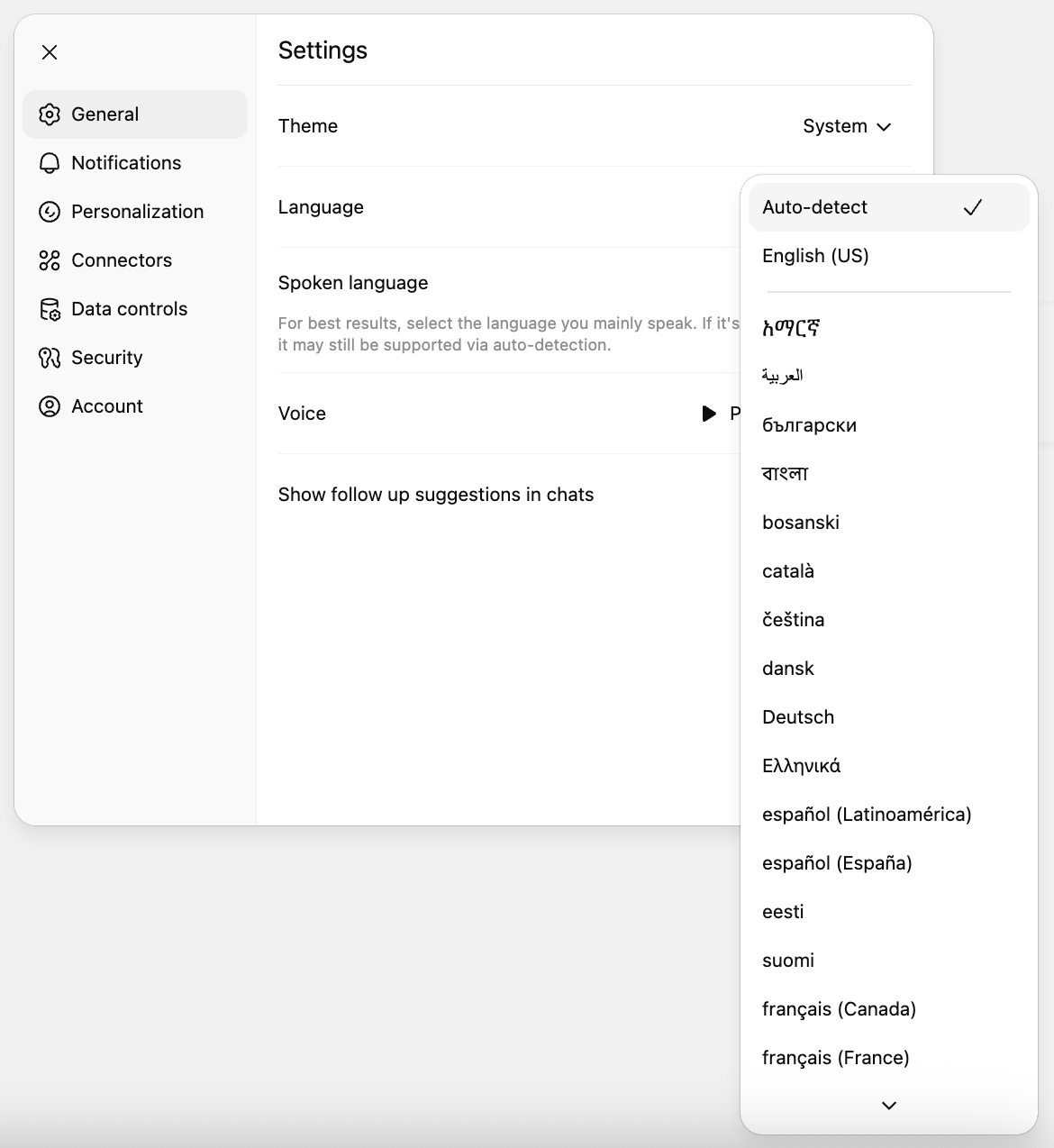
Available languages
The menu lists each language by its own name:
| Shown in the menu | Language |
|---|---|
| English | English |
| 中文 | Chinese |
| हिन्दी | Hindi |
| Español | Spanish |
| Français | French |
| العربية | Arabic |
| বাংলা | Bengali |
| Português | Portuguese |
| Русский | Russian |
| 日本語 | Japanese |
| Deutsch | German |
| 한국어 | Korean |
| Italiano | Italian |
| Türkçe | Turkish |
| Bahasa Indonesia | Indonesian |
| עברית | Hebrew |
Arabic and Hebrew are read from right to left, and the layout flips to match when you choose either one.
What to expect
- When the app starts, it uses the language last chosen in that browser or app. If none is stored, it uses your browser's language, and if that language is not on the list it uses English.
- A piece of text that has not been translated yet appears in English.
- Names of AI models, companies, connectors, and some product features, such as Deep Research, stay in their original form.