
ZeroTwo Free is the plan every new account starts on. It costs $0, and instead of a monthly allowance it gives you credits that your usage draws down.
How Free credits work
- 100 credits to start. Each Free account receives them once.
- 20 more credits every day you log in. The daily bonus is added the first time you are active on a given day, and days are counted in UTC.
- No monthly credits and no free Auto requests. Those allowances belong to paid plans.
You will see a short message when a bonus arrives, for example the daily login credits.
Check your balance
Open Settings and choose Usage. Under General usage limits, the Free card is called Free credits. It shows how many of your bonus credits are left and reminds you of the daily bonus. Credits you buy are counted separately, under Credits on the same page.
What uses credits
Metered models, paid tools, images, video and deep research draw from your credit balance. Models in the free tier cost about zero credits. To see which models are in that tier, open the Help and what's new menu (the question-mark button in the sidebar footer), choose Help, then Model Tiers.
On Free, the credits you earn from the welcome and daily bonuses only cover free-tier models. Using premium models requires credits you have bought. In Work, an account with no purchased credits runs on Auto or a free-tier model, and those runs still use credits.
Limits that apply on Free
- One file per message. Choosing several files at once, or adding a file while one is already attached, shows a message that starts "Free plan allows 1 file per message."
- One project. Creating a second project is blocked with a message that says to upgrade to Pro for unlimited projects.
- Web search engine. The default search engine setting is locked to its current choice. The setting tells you to upgrade to Plus to choose your own.
When you run out of credits
When your balance runs out, a notice appears above the message box titled "You're out of credits". It says how many credits you will get when you log in tomorrow and offers an Upgrade button.
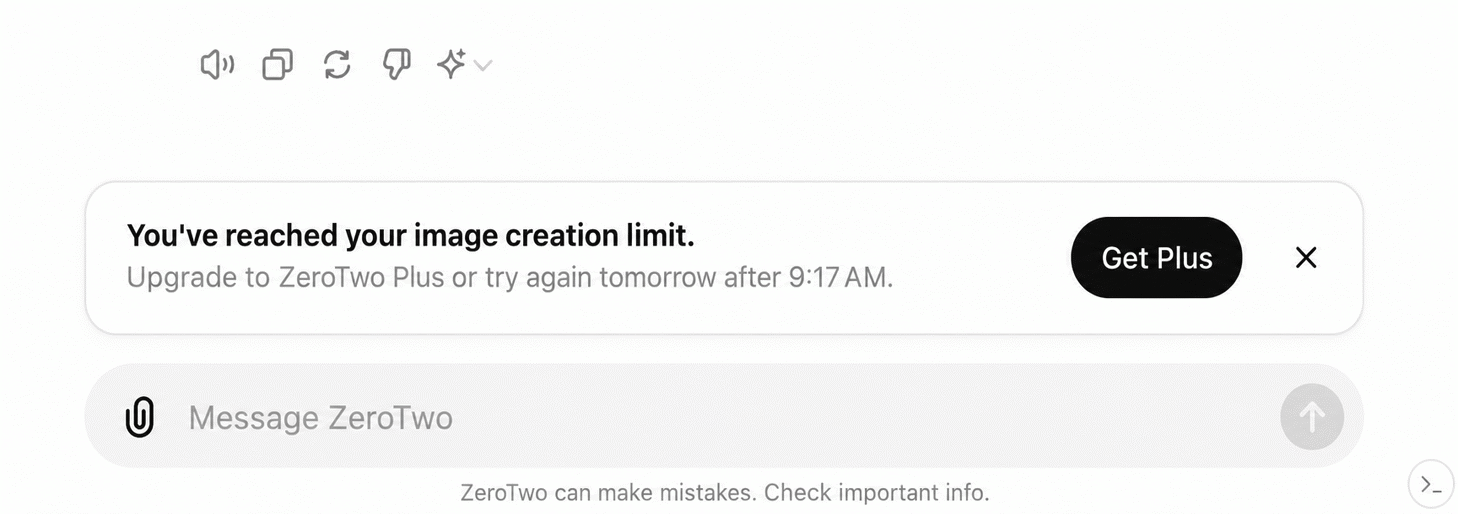
You have two ways to keep going right away:
- Choose Buy credits in the account menu. Purchased credits never expire.
- Choose Upgrade Plan in the account menu to compare paid plans. Current plans and prices are listed at zerotwo.ai/pricing.