
To remove a saved card, go to Settings, Billing, Payment methods, open the card's actions menu and choose Remove. If that card pays for your plan, add another card and make it the default first. These steps are for the web and desktop apps.
Remove a card
- Open the account menu (your name at the bottom of the sidebar), choose Settings, then select Billing.
- Under Payment methods, find the card. Each row shows the card brand, the last four digits, the expiry date, and a Default badge on the default card.
- Select the three-dot button at the end of the card's row to open its actions menu.
- Choose Remove.
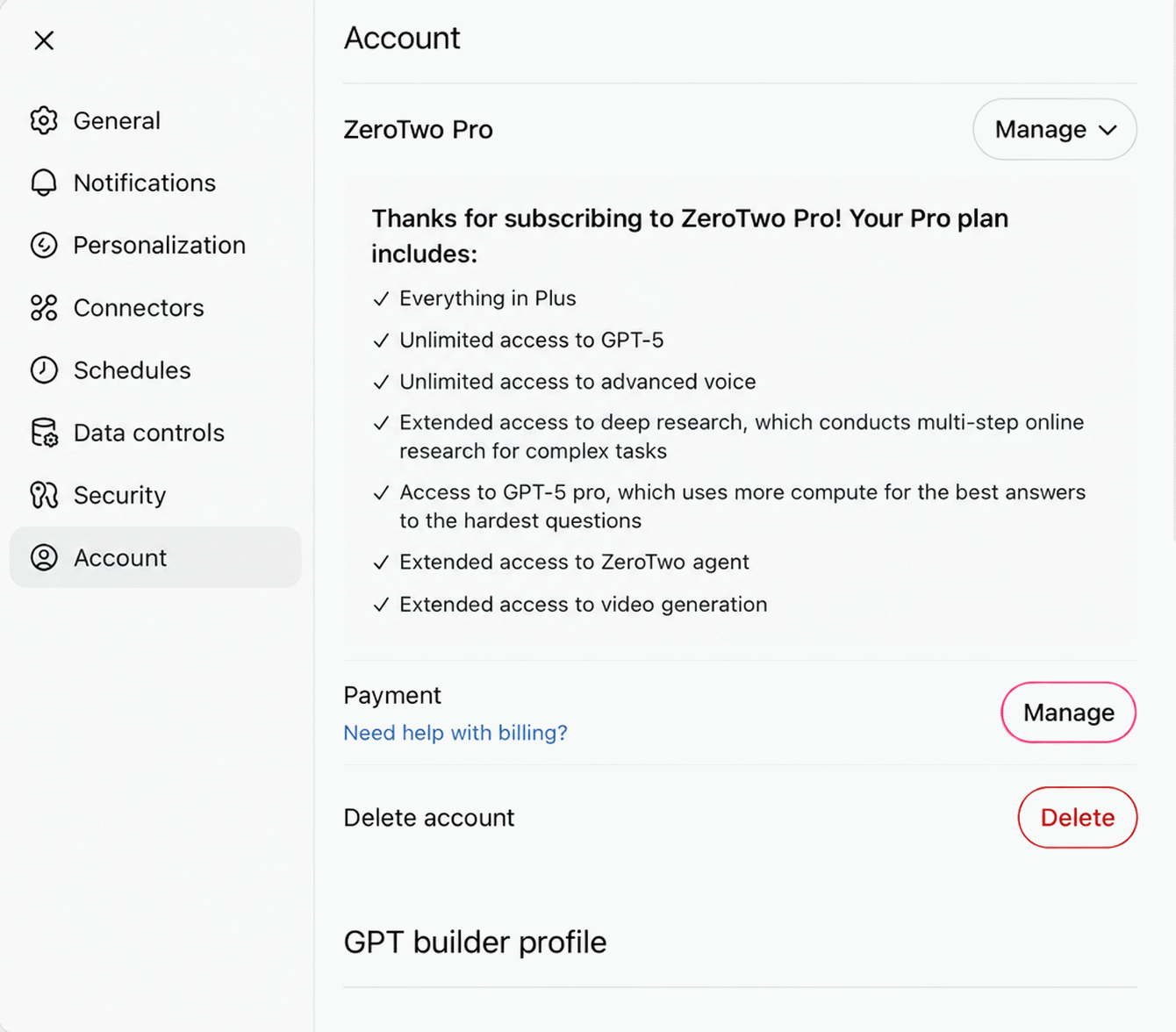
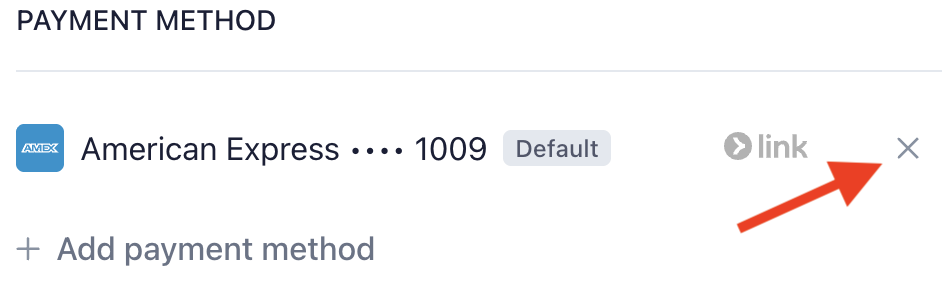
ZeroTwo does not ask you to confirm: the card is removed as soon as you choose Remove. If it cannot be removed, ZeroTwo shows Could not remove card.
Before you remove the card your plan uses
If a payment for your plan fails, your account can be moved to the Free plan, and Billing shows Your last payment failed. To avoid that, put a working card in place first:
- Select Add new next to Payment methods. In the Add payment method dialog, enter the card details and select Add card. ZeroTwo says cards are stored by Stripe and used for plan renewals.
- Open the new card's actions menu and choose Set as default. The menu offers this only on a card that is not already marked Default.
- Check which card shows the Default badge, then remove the old one.
If you want to stop paying
Removing a card does not cancel your plan. To stop renewals, use Cancel plan on the same page. The steps are in cancelling your plan.
If you do not see Payment methods
- The section appears only for plans paid by card. A plan billed through the App Store shows Billing for this plan is managed through the App Store. instead.
- In the iPhone, iPad and Android apps the Payment methods list is read-only. Add, remove or change the default card in the web or desktop app. After a failed payment, the Update payment method button in the "Your last payment failed" notice opens Stripe's billing page in a browser view instead (see What happens when my ZeroTwo plan renewal payment fails?).
- If no card is saved, the section says No payment methods on file.
For an overview of the Billing page, see where to manage billing.